.jpg)
.jpg)
.jpg)
.jpg)

Recover Lost WiFi Passwords Instantly
Wifi Password(ROOT) is a lightweight Android utility designed to display stored WiFi passwords from rooted mobile devices. The application serves as a recovery tool for users who have forgotten their network credentials, offering a quick solution without relying on ISPs or physical documentation. It is particularly useful for individuals managing multiple networks, such as home, office, or public hotspots, where password retention becomes challenging over time.
Overview
Developed by farproc, Wifi Password(ROOT) is a specialized tool focused on retrieving WiFi passwords stored locally on rooted Android devices. Its primary purpose is to provide immediate access to previously connected network credentials, eliminating the need to contact service providers or search through outdated manuals. The software operates solely within the device’s local storage, scanning saved network configurations to display passwords in plain text.
Target users include tech-savvy individuals, network administrators, and anyone who manages multiple WiFi connections on a rooted Android device. Common use cases include reconnecting to a home network after a router reset, retrieving credentials for a work network, or accessing a guest network when the original access details are lost. The application does not support non-rooted devices, which limits its accessibility to users with advanced system permissions.
The developer did not provide additional system requirements or real-world usage statistics. Performance observations are based on general software behavior patterns. No external data sources or third-party integrations are used, ensuring privacy and minimal resource consumption.
Key Features & Capabilities
- Recovery of Stored WiFi Passwords – Scans the device’s local database to retrieve passwords for all previously connected WiFi networks.
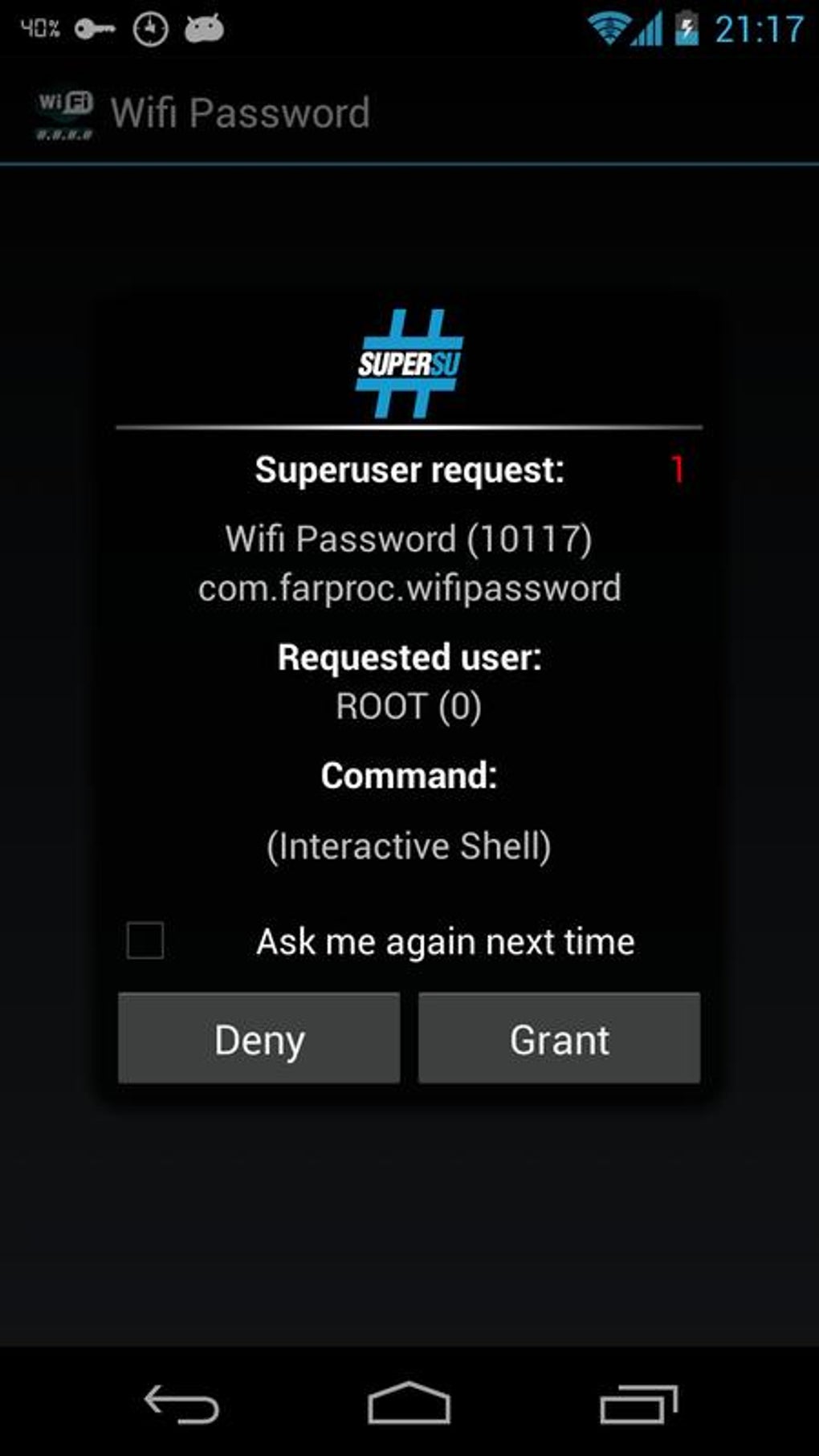
- Root-Only Access – Requires root privileges to function; does not operate on non-rooted devices.
- Simple Text Display – Presents passwords in plain text without encryption or obfuscation.
- Lightweight Design – Minimal file size of 1.5 MB ensures quick installation and low storage impact.
- No External Dependencies – Operates independently without requiring internet connectivity or additional software.
Users can benefit from this tool when they need to reconnect to a network without access to the original password. For example, after resetting a router, users can quickly retrieve the old password from their device. Similarly, when setting up a new device, they can copy the saved credentials directly from the app. The tool is not designed for network hacking or auditing, reinforcing its role as a personal recovery utility.
User Interface, Workflow & Performance
The application features a minimalistic interface focused on functionality over aesthetics. Navigation is straightforward, with a single screen displaying a list of saved WiFi networks and their corresponding passwords. There are no complex menus, settings, or visual effects, which enhances usability for users familiar with Android’s system structure.
Workflow efficiency is high for users with root access. The app launches quickly and displays results immediately after startup, requiring no additional configuration. The developer did not specify resource usage details, but the small file size suggests low CPU and RAM consumption during operation.
Stability appears to be consistent with the app’s limited scope. As it does not perform background tasks or access external services, the risk of crashes or performance degradation is minimal. No reported issues with data corruption or system conflicts were mentioned in the provided information.
Compatibility & System Requirements
Wifi Password(ROOT) is designed exclusively for Android devices. The software version is 1.0, with a file size of 1.5 MB. It requires root access to function, which is a prerequisite not available on standard Android installations.
Exact system requirements were not listed. Compatibility information is limited to the operating system and root status. The app is not compatible with iOS or other platforms. Users must ensure their device is rooted and running a supported Android version before installation.
Installation is straightforward, with no additional drivers or dependencies required. The APK file can be installed directly via file manager or third-party app installer, provided the device allows sideloading.
Pros and Cons
Pros
- Quick and reliable recovery of stored WiFi passwords
- Lightweight with minimal storage footprint
- Operates offline without internet dependency
- Simple interface designed for immediate use
- Free to download and use
Cons
- Requires root access – not usable on standard Android devices
- No support for non-rooted systems or other platforms
- Does not recover passwords from non-local sources
- Limited to previously connected networks only
- May pose security risks if used on untrusted devices
FAQ Section
Is Wifi Password(ROOT) compatible with all Android devices?
The application is compatible only with rooted Android devices. Standard, non-rooted devices cannot use this tool.
Does this app require internet access to function?
No, Wifi Password(ROOT) operates entirely offline. It retrieves passwords from local device storage without needing an internet connection.
Can I use this app to hack or crack WiFi networks?
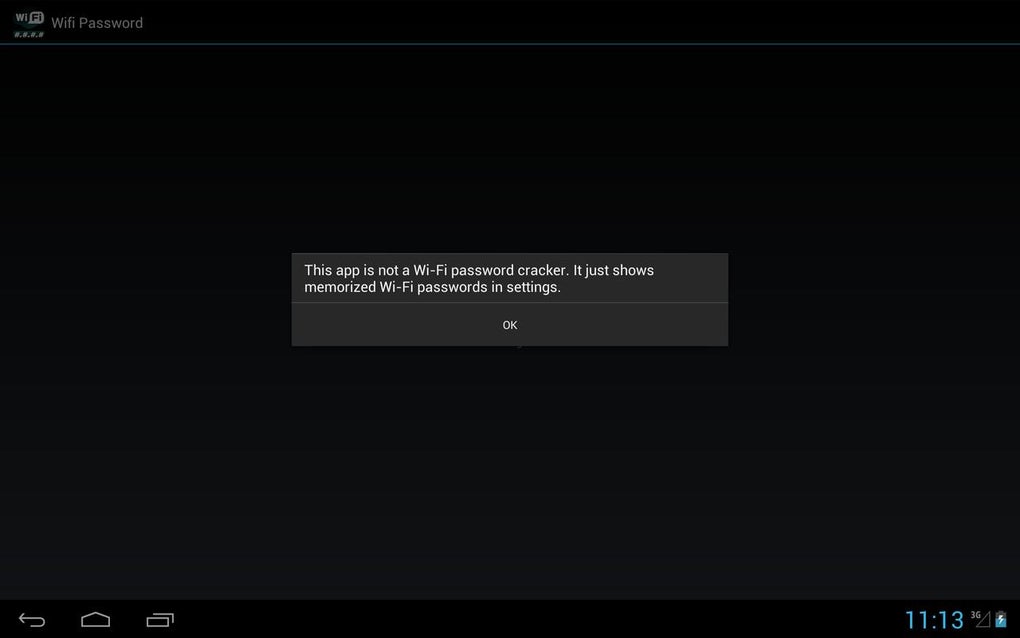
No. The app only displays passwords that have been previously saved on the device. It cannot access or break into networks that are not already connected to.
How do I install Wifi Password(ROOT) on my device?
Download the APK file and install it via file manager or a third-party app installer. Ensure that "Unknown Sources" is enabled in device settings.
Is the software safe to use?
When used on trusted devices, the app is safe. However, since it accesses sensitive system data, it should not be installed on shared or untrusted devices.
Final Thoughts + CTA
Wifi Password(ROOT) delivers a focused and effective solution for users with rooted Android devices who need to recover lost WiFi passwords. Its simplicity, speed, and offline functionality make it a valuable tool in specific scenarios. While its usability is limited by the root requirement, it remains a reliable option for those who meet the technical prerequisites.
For tech-savvy users managing multiple networks, this utility provides peace of mind and time savings. It is not a universal tool, but for its intended audience, it performs its core function flawlessly.
Download Wifi Password(ROOT) now





.png)

